Azure/Setup Visual Studio
Jump to navigation
Jump to search
Adding more VS licenses[edit | edit source]
- Go to https://marketplace.visualstudio.com/acquisition?itemName=ms.vs-professional-monthly and login to Azure if needed.
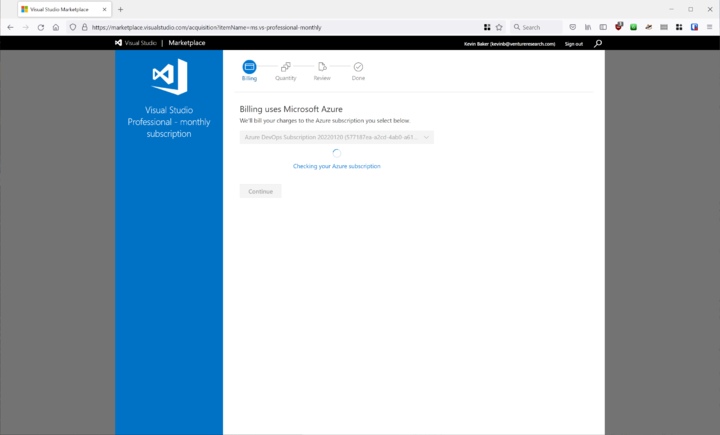
- Make sure it finds the billing subscription.
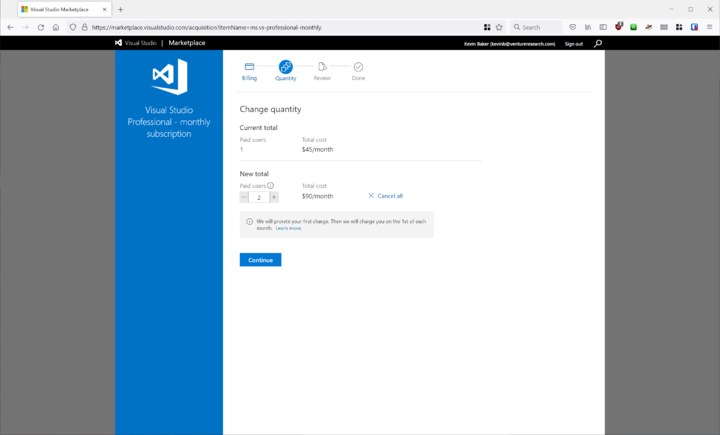
- Select the quantity of licenses you want, *add 1 license only*.
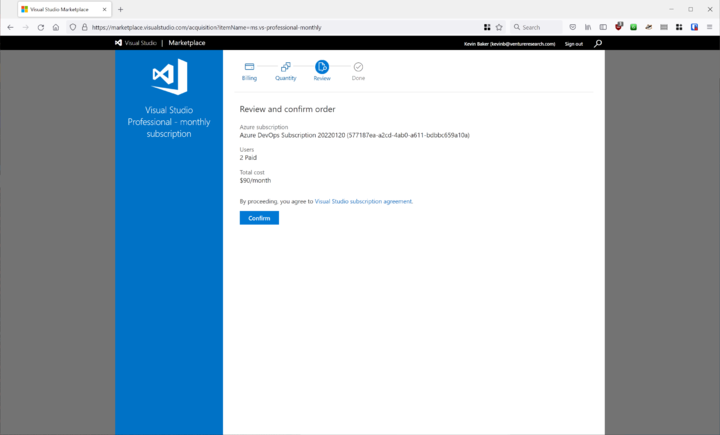
- Hit 'Confirm'


Add User to Subscription[edit | edit source]
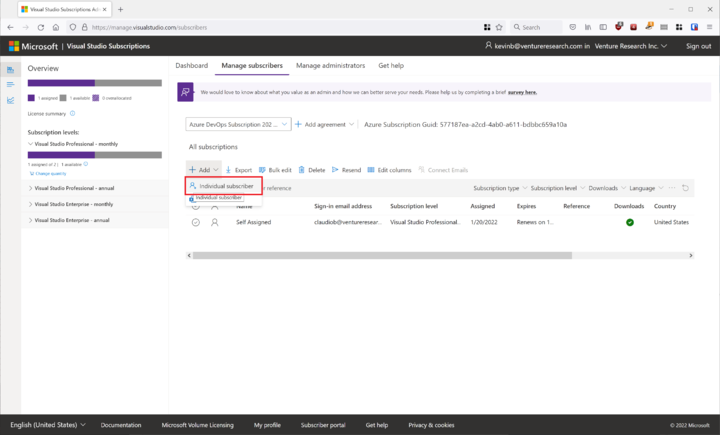
- Go to this link for the subscription: https://manage.visualstudio.com/subscribers
- Click Add->Individual Subscriber.
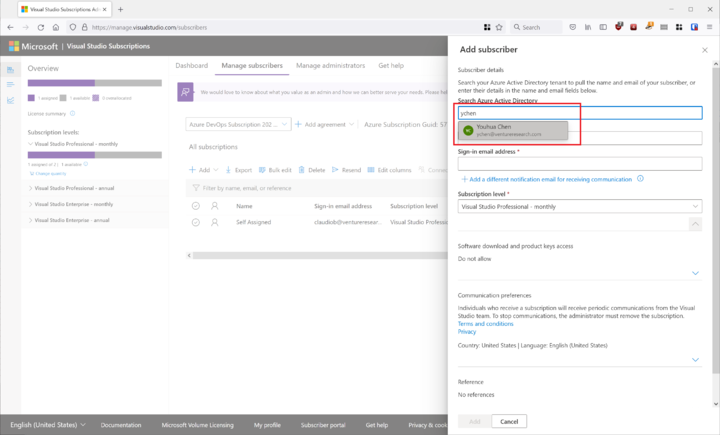
- Search for the user in AD.
- *** Make sure the software download and product keys link is checked. ***
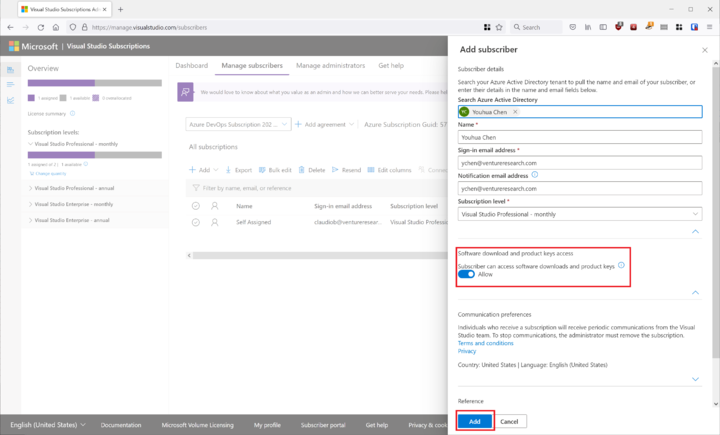
- Hit Add.
- The user should get an email showing that they have access.


