OpenUPS2-24V
Jump to navigation
Jump to search
Configuring for 24V operation[edit | edit source]
- Start the OpenUPS2 application from the start menu (search OpenUPS)

- Plug in the OpenUPS2 to USB. You should see the values load in the application.
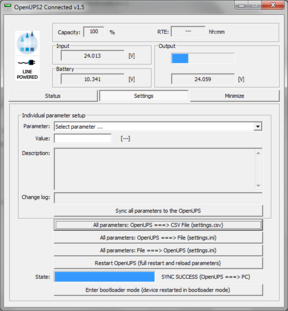
- Select the parameter OUT_VOLTAGE. Change the setting from 12.0 V to 24.0 V.
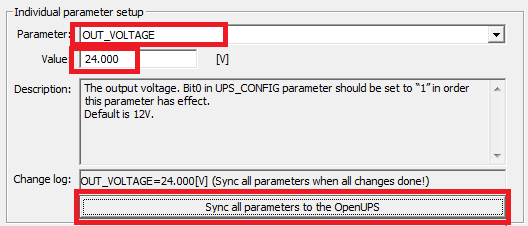
- Hit the button Sync all parameters to the OpenUPS.
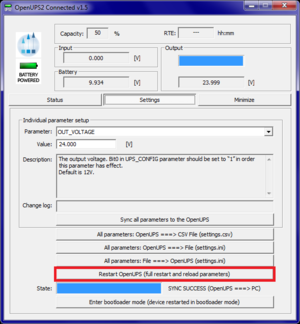
- Hit the button Restart OpenUPS.
- Place a green dot sticker on the UPS, write 24V on it.


