TurnstileDecoder
Jump to navigation
Jump to search
Programming Microcontroller Application[edit | edit source]
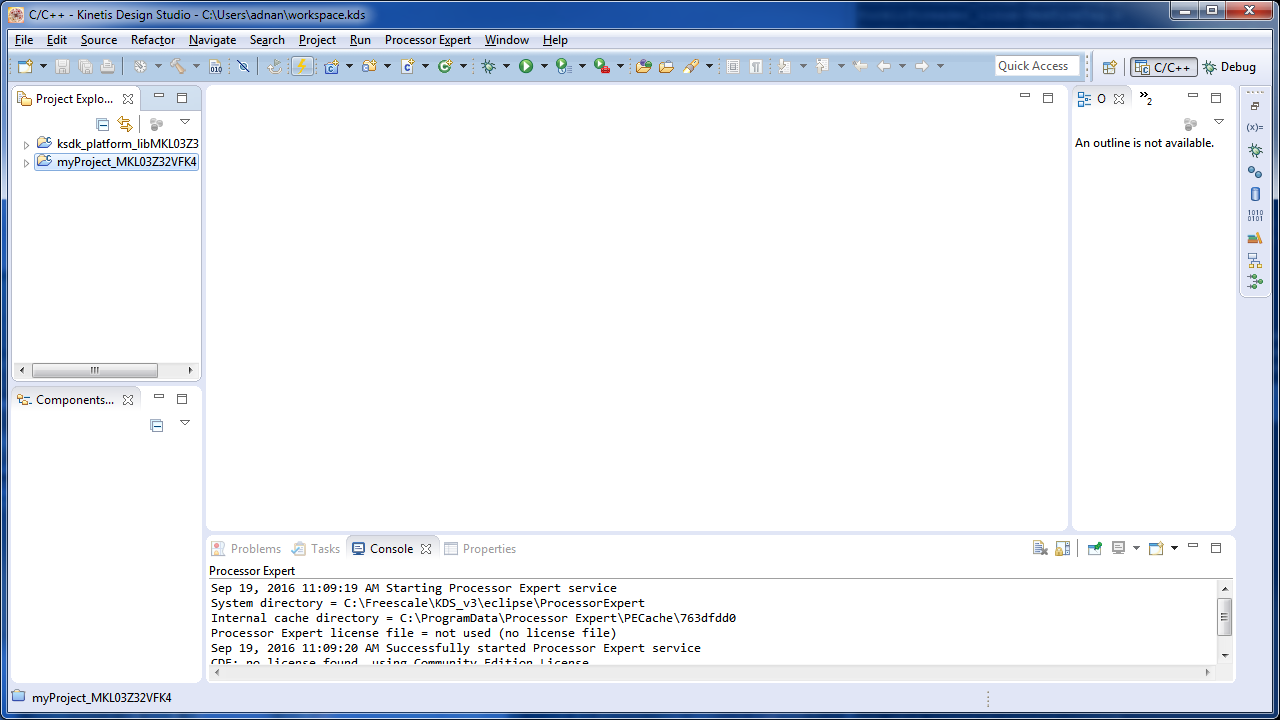
- Start Kinetis Design Studio.

M:\Adnan\svn\projects\turnstile_decoder
- There should be a project named "turnstile_decoder". If it isn't there, import project from here.

M:\Adnan\svn\projects\turnstile_decoder
- Click the orange icon of a lightning bolt, which is the “Flash From File...”

turnstile_decoder_1_0.elf
- Under Connection, expand "GDB PEMicro Interface Debugging" then select "turnstile_decoder_MKL03Z32VFK4 debug pne"

- Then click on "Flash" to start programming the microcontroller.

- The console window should display "Program Command Succeeded".
[missing image]
- Power cycle the board.